Link Analyzer
The link analysis tool in the post editor analyzes the status of the links in your post as you write. It will show you a warning if there are any broken, risky, or redirect links in your post. It also shows you the type of each link.
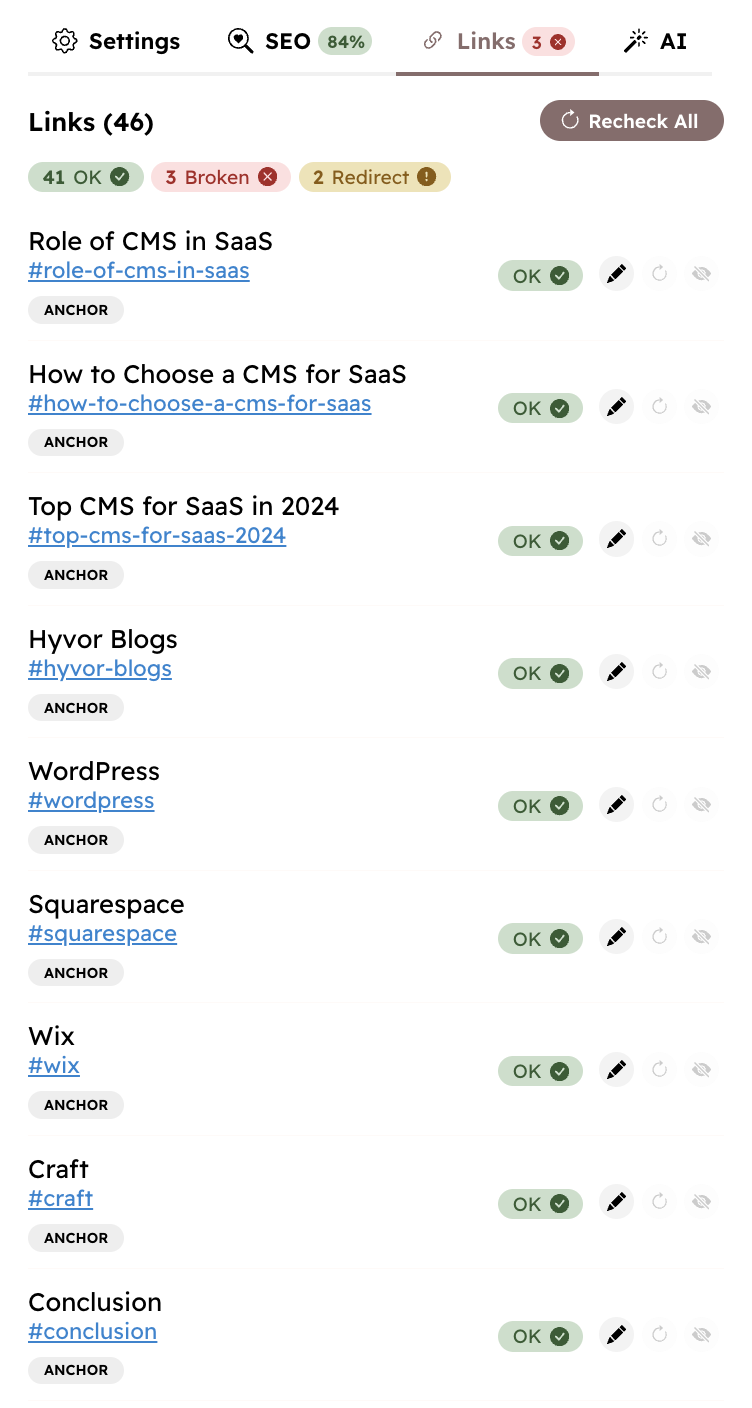
Link Types
Hyvor Blogs categorizes links into the following types.
Link Type
Description
internal-blogLinks to other posts/pages in your blog
internal-domainLinks to the same domain as your blog, but not to your blog
internal-root-domainLinks to any domain of the root domain, but not to your blog's domain
externalLinks to other domains
mailMailto links (starts with
mailto:)telTel links (starts with
tel:)anchorLinks to anchors in the same page (starts with
#)otherOther links (
ftp:, data:, javascript, etc.)Go to Console → Tools → Link Analysis to
- see an overview of all links in your blog
- view results of bi-weekly link analysis
- change email report settings
Link Analysis Accuracy
Our link analyzer is simple: it sends HTTP requests via curl to check the status of the links. This approach allows for a fast and accurate analysis. However, some servers and firewalls may block these requests, which may result in false positives. If you find a link that is marked as broken but is actually working, you can click the ignore button to ignore the link in future analyses.