Install: Google Sites
- In the Hyvor Talk Console, go to Settings → Website → Allowed Domains. Then add
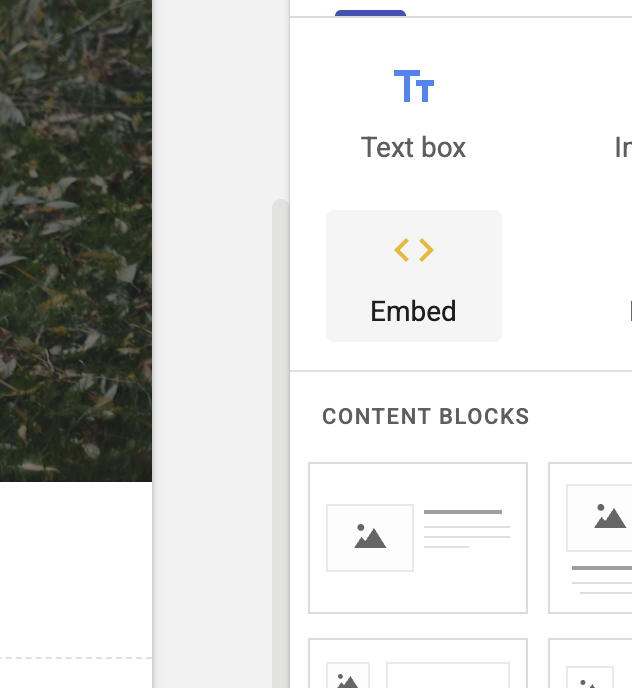
*and click "Save". This allows your Google Sites website to load the comments embed script. - Go to your Google Sites editor and insert an Embed block where you want to add comments. In the embed
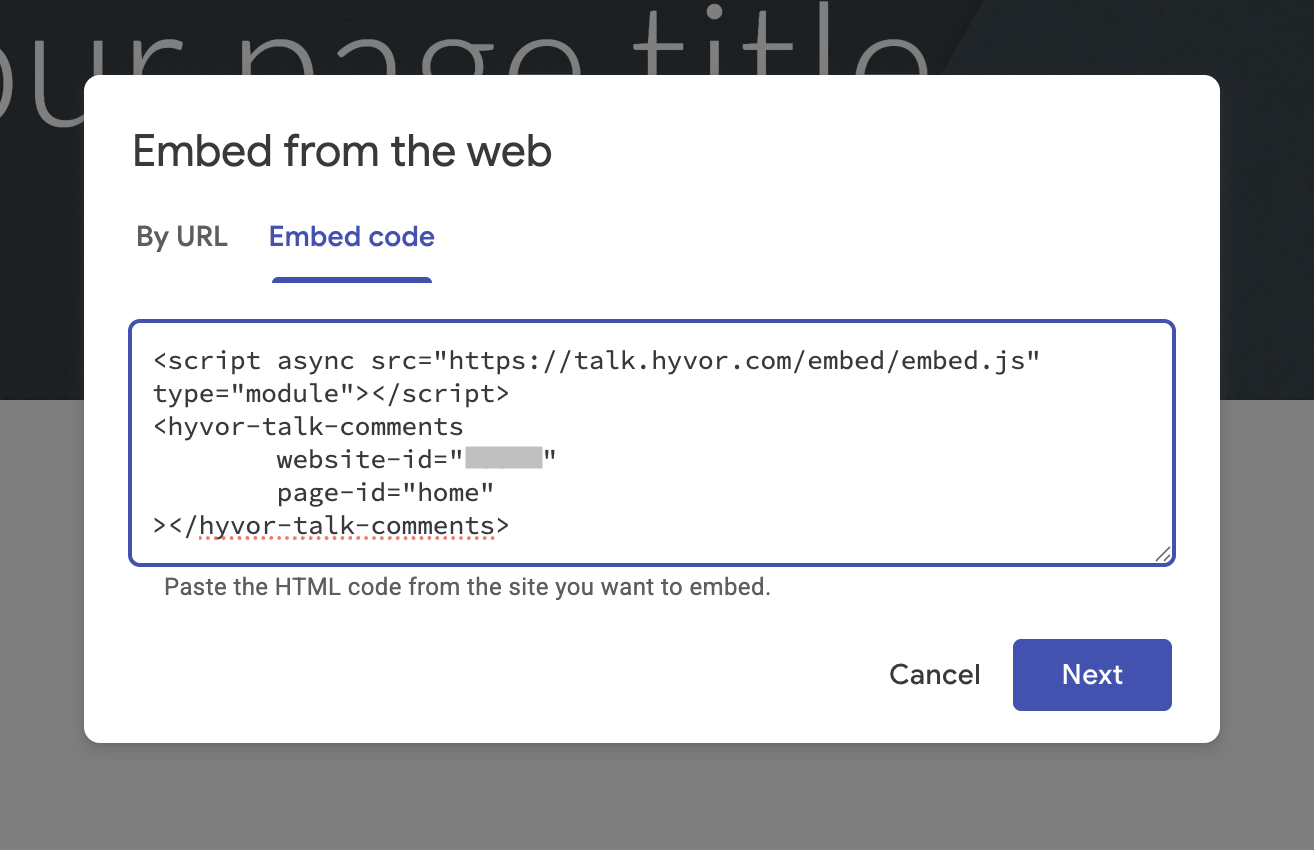
block, choose the "Embed code" option, add the following code, and click "Next".
<script async src="https://talk.hyvor.com/embed/embed.js" type="module"></script>
<hyvor-talk-comments
	website-id="YOUR_WEBSITE_ID"
	page-id="unique-page-id">
</hyvor-talk-comments>
Make sure to replace YOUR_WEBSITE_ID with your website ID and page-id with a
unique identifier for the page. This ensures that comments are correctly associated with the page.
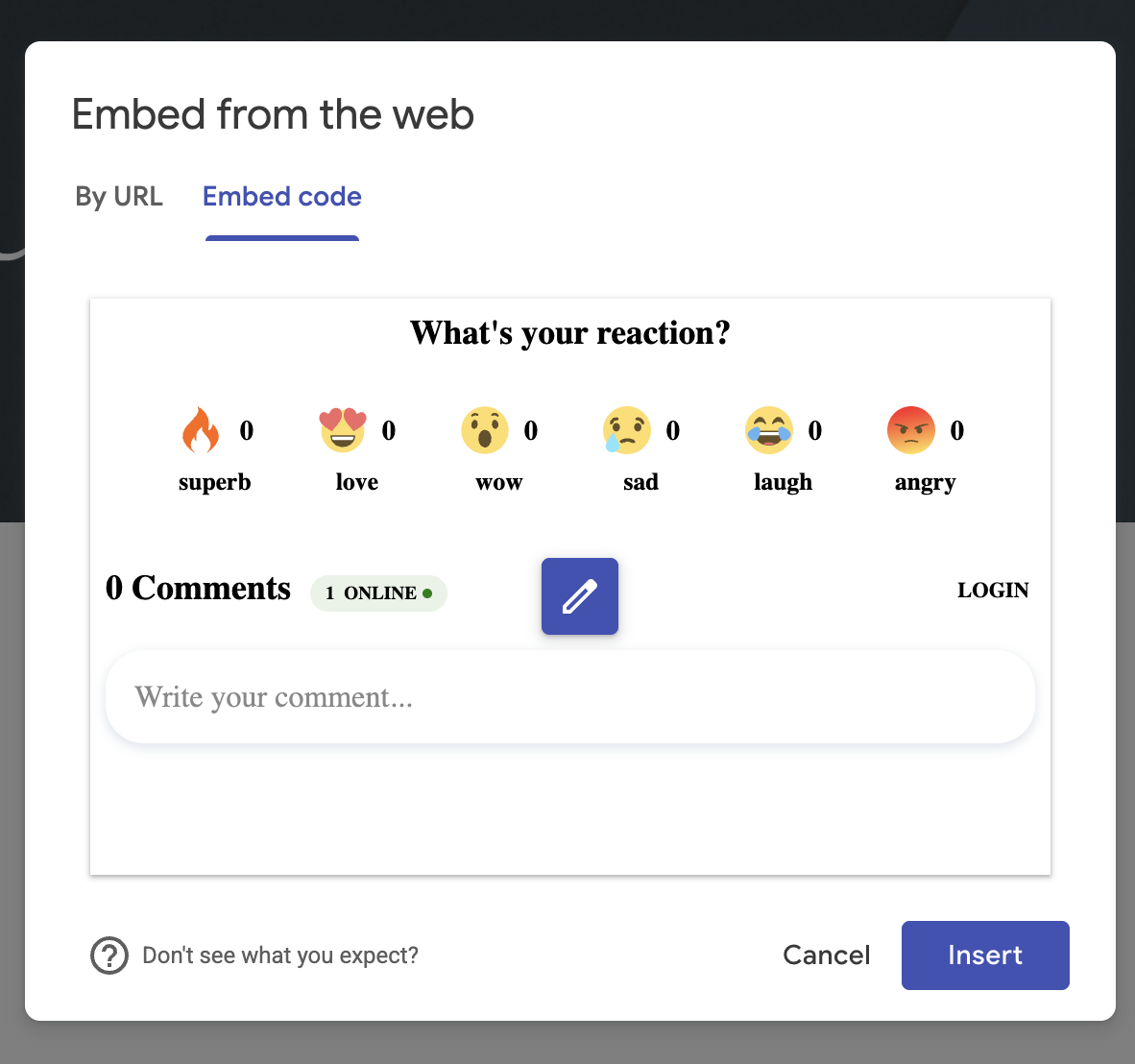
- After adding the code, click "Insert" to add the block to your page. At this moment, you will see a
preview of the comments section.
- Finally, publish your site to see the comments section live.