Get Started with HYVOR
Welcome to HYVOR! This guide will help you get started. If you have any questions, feel free to contact support.
Our Products
We provide a couple of SaaS products for website owners:
- Hyvor Talk - a commenting platform for websites
- Hyvor Blogs - a publishing CMS to create blogs
- Hyvor Post - a newsletter platform to send newsletters
- Hyvor Relay - an open-source email API for developers
Our spam detection API, Fortguard, is run separately. A HYVOR account is not needed to use it.
Create an Account
To use our products, you need to create a HYVOR account.
- Go to HYVOR signup page.
- Follow the prompts to create an account.
Enter a username, email address, and password. You can also sign up using your Google or Apple account.
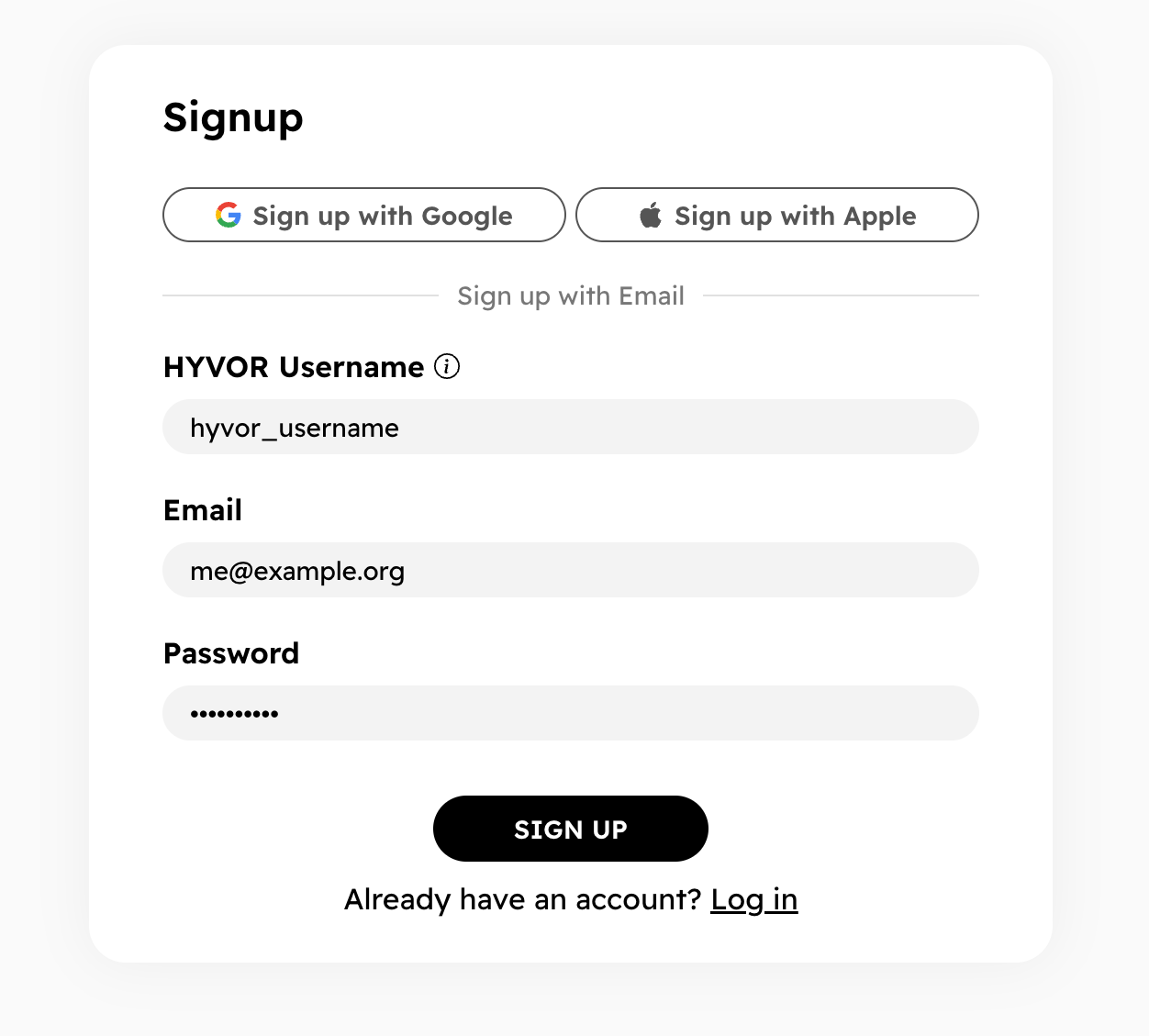
If you sign up via email, you will receive a verification email. You can copy and paste the code or click the link in the email to verify your email address.
Next Steps
You can now use our account to log in to product Consoles. Consoles are where you will be managing your resources.
- Hyvor Talk Console - Add comments to your website
- Hyvor Blogs Console - Create a blog
- Hyvor Post Console - Start a newsletter
- Hyvor Relay Console - Send emails via API
- Fortguard Dashboard - Start spam detection
Note that your account session is valid on all hyvor.com subdomains. You can use the same account to log in to all our products.
To secure your account, we highly recommend enabling Two-Factor Authentication (2FA) in your account settings.